


Kritzel
Draw on paper under a camera and watch every sketch, sticker or cut-out step into a living 3D pop-up book.
Kritzel is German for a scribble. Say KRIT-sl, which rhymes with pretzel.
Getting started →You control it by drawing on paper
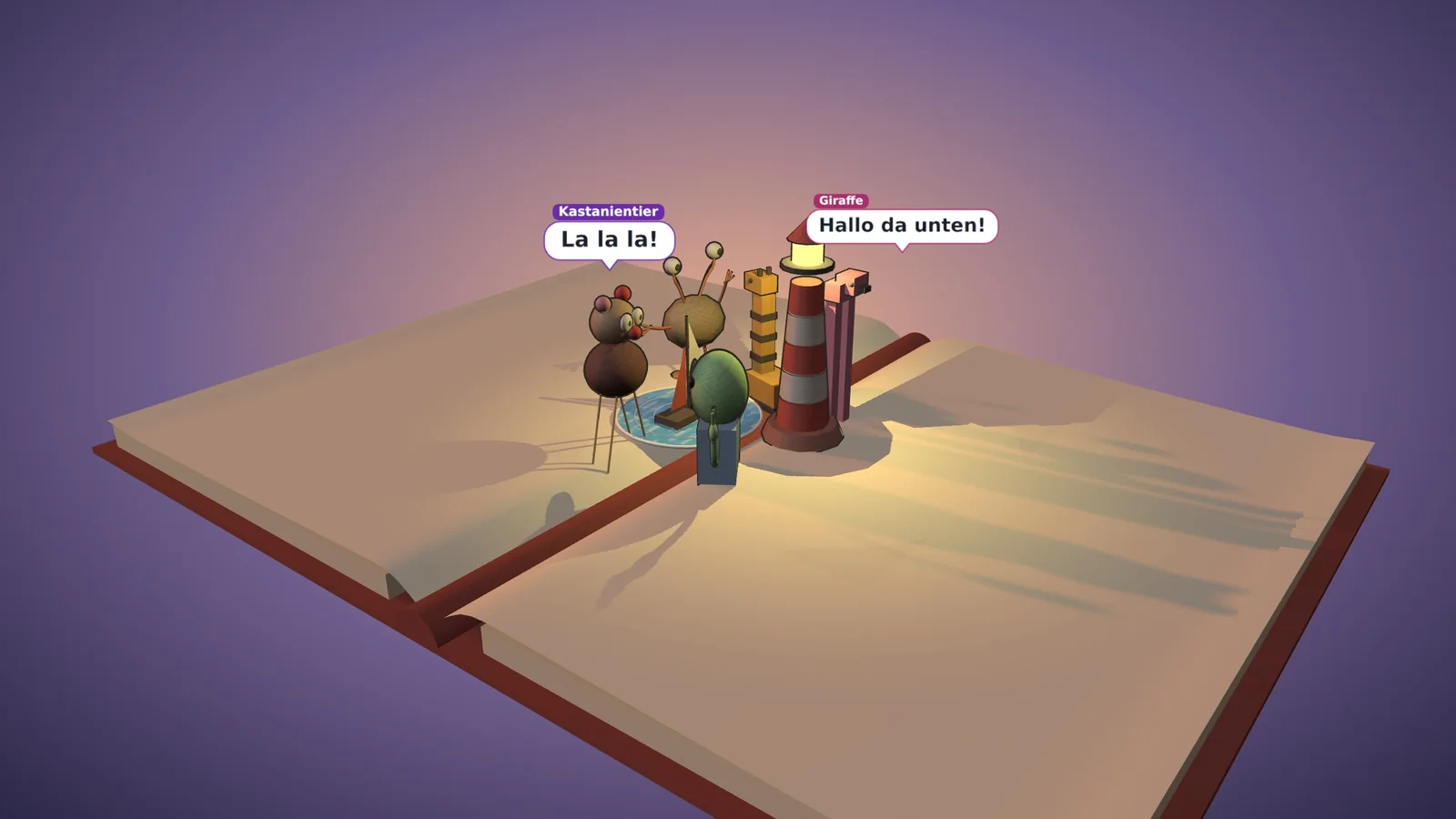
Draw something on a sheet of paper under the camera and take your hand away. A moment later it stands up out of the pages of a pop-up book on screen, coloured in with pencil like your drawing.
A person walks off and says hello. A bird flies loops and lands. A fish swims in the pond you drew, and a spider sits in the jail you drew around it.
The characters have moods and friendships. They talk to each other in short dialogues, play tag and dance, and come over to look whenever something new arrives.
This is an experiment and a working prototype.
Draw something
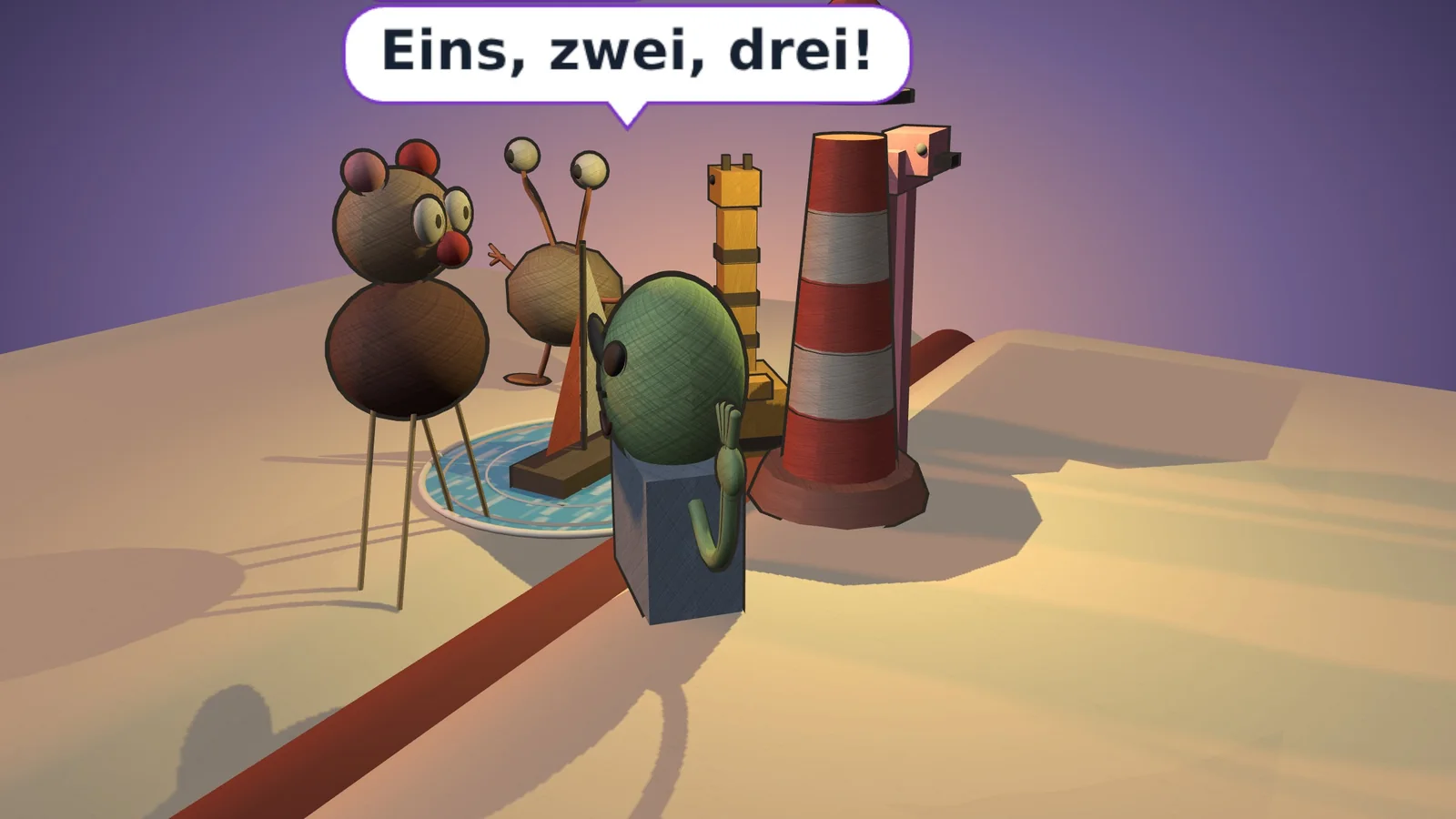
In Kritzel, what you draw changes the world. Pick a drawing and watch the little book react. Tap a character and it hops and says hello.
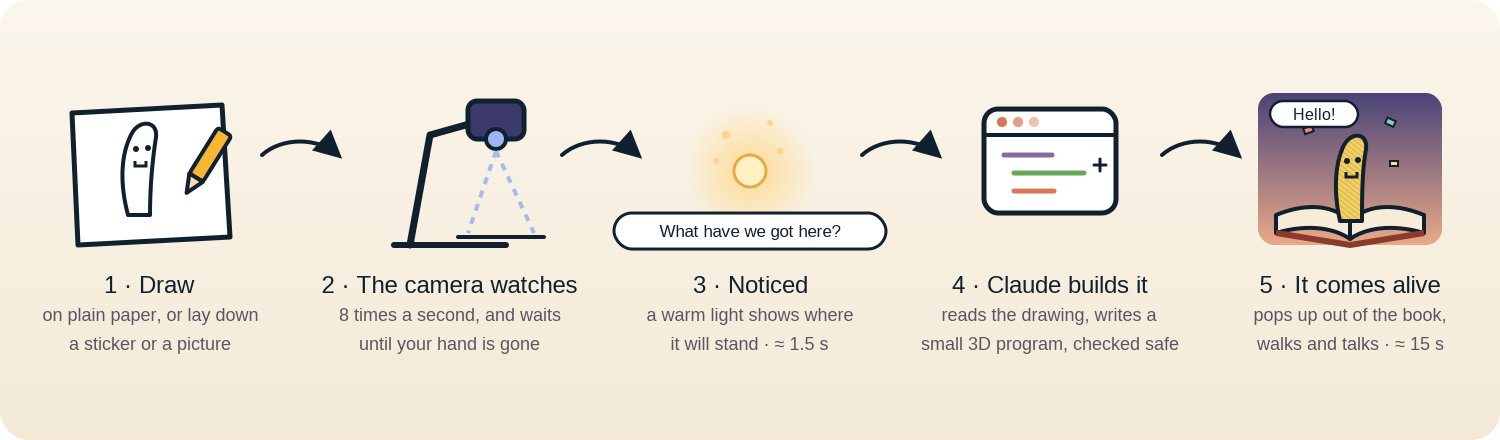
A hand-drawn miniature for this page. The real book is a three.js scene, and the real wait is about 15 seconds instead of 1.5.
From paper to book in seconds
What it can do
Day, night and light
Draw a moon and night falls, with stars. Draw a sun and it is day. Draw a lamp, a candle or a campfire and everyone gathers in its warm light.
Weather you can draw
A rain cloud brings rain and puddles to hop in. Snowflakes bring snow, a rainbow makes everyone cheer, lightning sends them running for cover.
Labels and crossing out
Write "bird" or "house!" with an arrow, in English or German, and Kritzel reads the drawing as that. Cross something out and it goes away. Colouring in never does.
Stickers and cut-outs
A LEGO snake from a booklet becomes a brick snake on the page. Brochure pictures come alive too.
Characters with moods
Characters have moods, friendships and small fears. They walk, hop, crawl, fly, swim or climb, and talk in speech bubbles where every line answers the one before.
Touch
Tap a character and it hops and says hello. Tap a thing and it wiggles. A long press follows a character with the camera.
Made for children
Kritzel checks that everything the characters say is friendly. It does not bring to life pictures that are not right for small children, or photos of real people.
Worlds that grow
Add grows the world sheet by sheet. Switch always shows what is on the paper right now. New world turns the page, and Kritzel keeps the old worlds.
A camera, paper and a screen
A camera fixed above the sheet sees the drawing best.
- A camera looking straight down at the paper. A document camera on a bendable arm works well. Any webcam works.
- A stable surface under the paper, a board or desk mat the sheet cannot slide on.
- Plain white paper, A4 or larger, with the whole sheet inside the camera's view.
- Good, even light without hard shadows from hands or the camera arm.
- A screen to show the book: a laptop, a tablet next to the paper, or a TV.
Three commands
You need a computer with Linux for Kritzel itself and a Claude account for reading the drawings. The camera may sit on another computer.
git clone https://github.com/ssalentin/kritzel.git && cd kritzel
./kritzel setup   # checks what is missing and says how to fix it
./kritzel start   # starts everything and opens the book
Then click Camera in the book, choose your camera, and start drawing. ./kritzel stop stops everything.
If the camera is plugged into another computer at home, run this there once:
git clone https://github.com/ssalentin/kritzel.git && cd kritzel
./kritzel camera
Sign in with claude auth login. OpenRouter is opt-in through KRITZEL_PROVIDER=openrouter.
Camera, generation, viewer
The camera delivers a frame. The generation step writes one small program per drawing. The browser polls every half second and hot-reloads only what changed.
| Part | What it does |
|---|---|
viewer/index.html | The engine: renderer, lights, orbit camera, speech bubbles, hot reload and the new-world transition. |
viewer/book.js | The ground: an open pop-up book with two paper pages curving into the spine. |
viewer/world.js | Builds one world from the book and every generated thing. Positions, moods and friendships survive reloads. |
viewer/mood.js | Light and time of day. With neither sun nor moon the world sits in a soft dusk. |
viewer/weather.js | Rain with puddles, snow, a rainbow and lightning. |
viewer/sim.js | Autonomous life, driven by rot.js: a grid with obstacles, field of view, A* paths, needs, fear, traits and relationships. |
viewer/sound.js | Web Audio sound: babble per speaker, a nine-role bank, and per-thing Ogg sounds rendered with earshot, spatialised relative to the camera. |
Pixel mode
A 3D / Pixel switch selects which world is active (archived worlds reopen in their original mode). The pixel app does not load three.js: each thing is a JSON file with a horizontal whole-frame sprite animation strip generated via claude-pxl (walk, roll, fly, swim, hop, climb; never slicing figures). Objects run on top-down Matter.js rigid-body physics: actors collide, portable scenery can be dragged, pushed and thrown, and sun-cast shadows and flickering fire light the page.
Typed things
Besides drawing on paper, you can type a wish (POST /api/text-thing) in German or English to add a new thing directly to the book, or rewrite an existing 3D module in place without waiting behind a sheet build.